


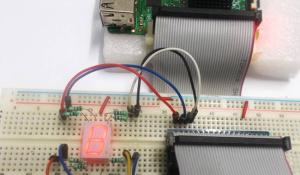


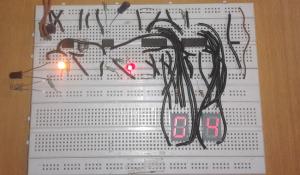
2 Digit Object/Product Counter Circuit
Nous avons conçu un circuit simple de compteur d’objets sans utiliser de microcontrôleur. Les compteurs d’objets comptent automatiquement les objets ou les produits et réduisent ainsi les efforts humains.


Code
#include « SevSeg.h »
SevSeg sevseg;
void setup()
{
//Set to 1 for single-digit display
byte numDigits = 1;
//defines common pins while using multi-digit display. Left for single digit display
byte digitPins[] = {};
//Defines Arduino pin connections in order: A, B, C, D, E, F, G, DP
byte segmentPins[] = {9,8, 7, 6, 5, 4, 3, 2};
byte displayType = COMMON_CATHODE; //Use COMMON_ANODE for Common Anode display
bool resistorsOnSegments = true; //‘false’ if resistors are connected to common pin
//Initialize sevseg object. Use COMMON_ANODE instead of COMMON_CATHODE for CA display
sevseg.begin(displayType, numDigits, digitPins, segmentPins, resistorsOnSegments);
sevseg.setBrightness(90);
}
void loop()
{
//Display numbers 0-9 with 1 seconds delay
for(int i = 0; i <= 10; i++)
{
if (i == 10)
{
i = 0;
}
sevseg.setNumber(i);
sevseg.refreshDisplay();
delay(1000);
}
Retrouvez l’histoire de Raspberry Pi dans cette vidéo :
-
 DEWOTHV TM1637 Module d'Affichage Numérique à Tube 4 Bits avec Affichage LED 0,36 pouce 3,3/5 V CC Luminosité Réglable Tube numérique rouge 7 segments pour Arduino (Paquet de 3)
 -
 AugustknowU Module d'affichage LED à 4 chiffres 7 segments pour TM1637 avec fonction horloge et alimentation 5 V pour Arduino et projets Maker (jaune)