






void setup() {
 Serial.begin(115200);  // Initialize Serial Monitor
 SerialBT.begin("ESP32_BT");  // Initialize Bluetooth with device name "ESP32_BT"
 // Initialize MPU6050 sensor
 if (!mpu.begin()) {
   Serial.println("MPU6050 not found!");
   while (1) delay(10);  // Halt execution if MPU6050 is not detected
 }
 // Set MPU6050 configuration
 mpu.setAccelerometerRange(MPU6050_RANGE_8_G);  // Set accelerometer range
 mpu.setGyroRange(MPU6050_RANGE_500_DEG);       // Set gyroscope range
 mpu.setFilterBandwidth(MPU6050_BAND_10_HZ);    // Apply a low-pass filter
 delay(100);  // Allow settings to take effect
}
void loop() {
sensors_event_t a, g, temp; // Variables to store sensor readings
mpu.getEvent(&a, &g, &temp); // Get sensor data
int ldrValue = analogRead(LDRSensor); // Read LDR sensor value
int outputValue = (ldrValue < 2000) ? 0 : 1; // Determine light or dark condition
static unsigned long prevTime = millis();
float dt = (millis() - prevTime) / 1000.0; // Convert to seconds
prevTime = millis();
float filteredX = kalmanFilter(a.acceleration.x, g.gyro.x, dt, x_angle, x_bias);
float filteredY = kalmanFilter(a.acceleration.y, g.gyro.y, dt, y_angle, y_bias);
String btData = String(filteredX, 2) + "," + String(filteredY, 2) + "," + String(outputValue);
SerialBT.println(btData);
Serial.println(btData);
}float kalmanFilter(float newAngle, float newRate, float dt, float &angle, float &bias) {
float rate = newRate - bias; // Remove bias from gyroscope rate
angle += dt * rate; // Estimate new angle
// Update estimation error covariance
P[0][0] += dt * (dt * P[1][1] - P[0][1] - P[1][0] + q_angle);
P[0][1] -= dt * P[1][1];
P[1][0] -= dt * P[1][1];
P[1][1] += q_bias * dt;
// Compute Kalman gain
float S = P[0][0] + r_measure;
float K[2] = { P[0][0] / S, P[1][0] / S };
// Update estimates with measurement
float y = newAngle - angle;
angle += K[0] * y;
bias += K[1] * y;
// Update error covariance matrix
P[0][0] -= K[0] * P[0][0];
P[0][1] -= K[0] * P[0][1];
P[1][0] -= K[1] * P[0][0];
P[1][1] -= K[1] * P[0][1];
return angle; // Return the filtered angle
}
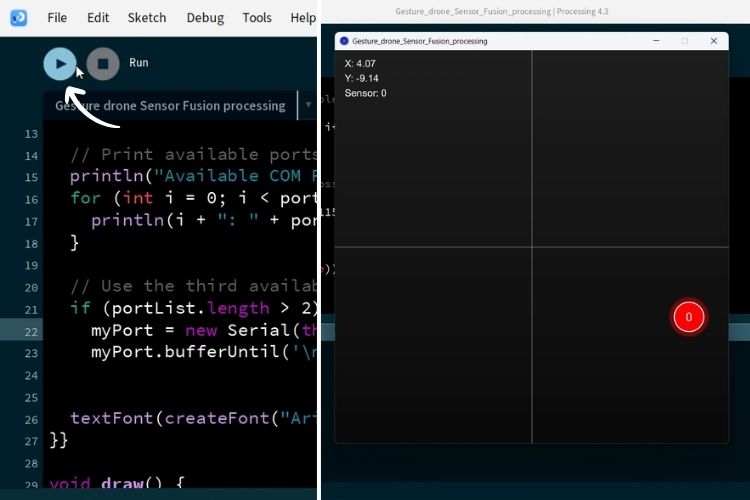
With this, the coding part is completed. For the full code, refer below.



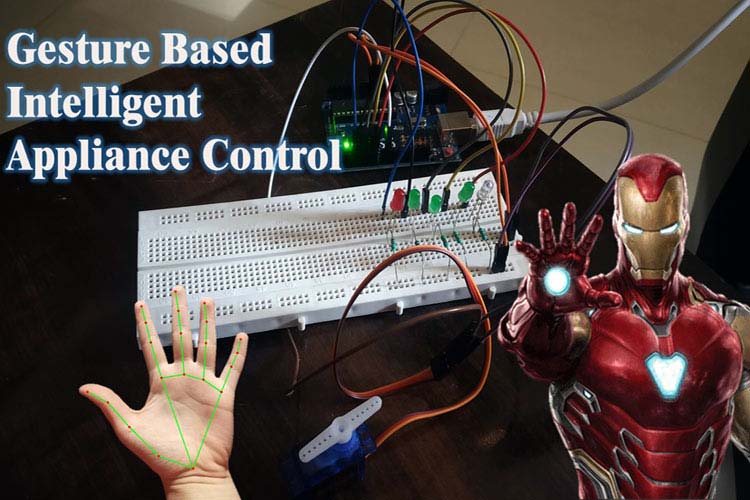
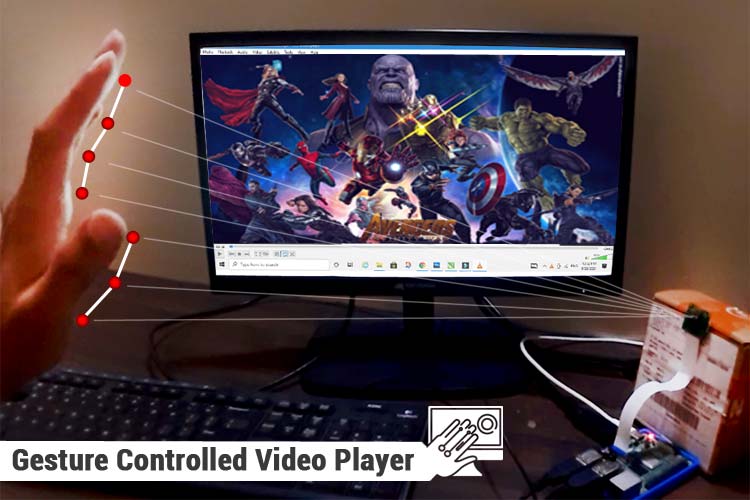
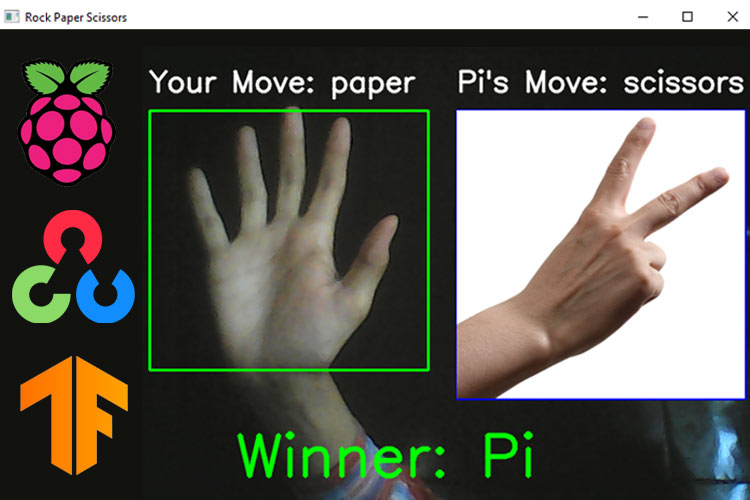
Autres projets de contrôle des gestes

Reconnaissance des gestes de la main utilisant ESP32 et Python
Apprenez à contrôler les LED à l’aide de gestes de la main avec ESP32 et Python. Ce projet adapté aux débutants utilise OpenCV et Medioppe pour la reconnaissance des gestes en temps réel et le contrôle des périphériques basés sur l’IoT.



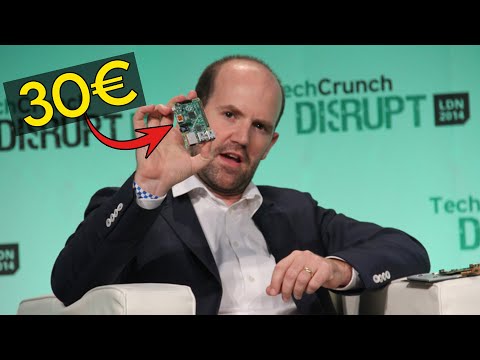
Retrouvez l’histoire de Raspberry Pi dans cette vidéo :
-
 Hailege ESP32 ESP-32 ESP-32S ESP32S ESP-WROOM32 WIFI Bluetooth Module sans fil ESP-WROOM-32 Dual Core Mode CPU 4MB Flash
 -
 HALJIA Esp-wroom-32 Esp32s Esp32 WLAN Bluetooth et WiFi Dual Core 240 MHz CPU Module