



#include "WiFiS3.h"
#include "Arduino_LED_Matrix.h"
#define Smoke_sensor 2
#define Flame_sensor 6
#define Green_led 3
#define Red_led 5
#define Buzzer 4ArduinoLEDMatrix matrix; /* --------------------- WiFi Credentials and WiFi status ----------------*/
const char *ssid = "Semicon Media"; //Your WiFi Router SSID
const char *password = "xxxxxxxxxxxx"; // Your WiFi Router password
int status = WL_IDLE_STATUS; // Connection status/* ---------------------- API credentials and SMS Details ---------------------- */
const char* apiKey = "xxxxxxxxxxx"; // Replace with your API key
const char* templateID = "101"; // Replace with your template ID
const char* mobileNumber = "91xxxxxxxxxxxx"; // Replace with the recipient's mobile number with country code (eg : 91XXXXXXXXXX)
const char* var1 = "house"; // Replace with your custom variable
const char* var2 = "FIRE EMERGENCY. Evacuate now!"; // Replace with your custom variable/* ---------------------- Network Led icons ---------------------- */
const uint32_t network_connect_icon[] = { 0x308311, 0xba1b4db0, 0xdb6db6db };
const uint32_t network_disconnect_icon[] = { 0x3003a1, 0xb41badb0, 0xdb6db6db };/* ---------------------- Network connection animation ---------------------- */
const uint32_t wifi_connection_anime[][4] = {
{ 0x0, 0x0, 0x0, 600 },
{ 0x0, 0x0, 0x600600, 600 },
{ 0x0, 0xc00, 0xc06c06c0, 600 },
{ 0x1, 0x80180d80, 0xd86d86d8, 600 },
{ 0x300301, 0xb01b0db0, 0xdb6db6db, 660}
};
This two-dimensional array is used for holding the bitmap sequence of the LED Matrix display to bring out the network connection animation.
/* ---------------------- Sensor Ststus Variables ---------------------- */
bool flame_status = false;
bool smoke_status = true;/* --------------------------- WiFi connect Function --------------------------- */
void wifi_connect(){
if (WiFi.status() == WL_NO_MODULE) {
Serial.println("Communication with WiFi module failed!");
matrix.loadFrame(network_disconnect_icon);
while (true);
}
Serial.print("Connecting to WiFi...");
matrix.loadSequence(network_connection_anime);
matrix.play(true);
delay(6000);
while (WiFi.begin(ssid, password) != WL_CONNECTED) {
Serial.print(".");
delay(1000);
}
matrix.loadFrame(network_connect_icon);
Serial.println("\nConnected to WiFi!");
Serial.print("IP Address: ");
Serial.println(WiFi.localIP());
}/* ------------------------ WiFi reconnect Function ----------------------------- */
void wifi_reconnect(){
Serial.println("Wifi Reconnecting........");
matrix.loadFrame(network_disconnect_icon);
delay(6000);
wifi_connect();
}/* ------------------------ Fire & Smoke detect Function ------------------------- */
bool fire_smoke_detect(){
flame_status = digitalRead(Flame_sensor);
smoke_status = digitalRead(Smoke_sensor);
if(!flame_status || !smoke_status){
return true;
}
else{
return false;
}
}/* ------------------------ SMS Trigger Function ---------------------------------- */
void trigger_SMS(){
if (WiFi.status() == WL_CONNECTED) {
WiFiClient client; // Initialize WiFi client
String apiUrl = "/send_sms?ID=" + String(templateID);
Serial.print("Connecting to server...");
if (client.connect("www.raspberryme.cloud", 80)) { // Connect to the server
Serial.println("connected!");
// Create the HTTP POST request
String payload = "{\"mobiles\":\"" + String(mobileNumber) +
"\",\"var1\":\"" + String(var1) +
"\",\"var2\":\"" + String(var2) + "\"}";
// Send HTTP request headers
client.println("POST " + apiUrl + " HTTP/1.1");
client.println("Host: www.raspberryme.cloud");
client.println("Authorization: " + String(apiKey));
client.println("Content-Type: application/json");
client.println("Content-Length: " + String(payload.length()));
client.println(); // End of headers
client.println(payload); // Send the JSON payload
// Wait for the response
int responseCode = -1; // Variable to store HTTP response code
while (client.connected() || client.available()) {
if (client.available()) {
String line = client.readStringUntil('\n'); // Read a line from the response
Serial.println(line); // Print the response line (for debugging)
// Check for the HTTP response code
if (line.startsWith("HTTP/")) {
responseCode = line.substring(9, 12).toInt(); // Extract response code (e.g., 200, 404)
Serial.print("HTTP Response Code: ");
Serial.println(responseCode);
}
// Stop reading headers once we reach an empty line
if (line == "\r") {
break;
}
}
}
// Check response
if (responseCode == 200) {
Serial.println("SMS sent successfully!");
} else {
Serial.print("Failed to send SMS. Error code: ");
Serial.println(responseCode);
}
client.stop(); // Disconnect from the server
} else {
Serial.println("Connection to server failed!");
}
} else {
Serial.println("WiFi not connected!");
}
}/* -------------------------- Alarm Trigger Function ----------------------------- */
void trigger_Alarm(){
static unsigned long prevmillis = 0;
static bool buzzer_state = false;
const unsigned long beep_interval = 100;
digitalWrite(Red_led, HIGH);
digitalWrite(Green_led, LOW);
//Buzzer Beep Rate
if(millis() - prevmillis >= beep_interval){
prevmillis = millis();
buzzer_state = !buzzer_state;
digitalWrite(Buzzer, buzzer_state);
}
}/* ------------------------- Setup Function --------------------------------*/
void setup() {
//Initialize serial and wait for port to open:
Serial.begin(9600);
while (!Serial);
matrix.begin();
wifi_connect();
pinMode(Smoke_sensor, INPUT);
pinMode(Flame_sensor, INPUT);
pinMode(Green_led, OUTPUT);
pinMode(Red_led, OUTPUT);
pinMode(Buzzer, OUTPUT);
digitalWrite(Green_led, HIGH);
digitalWrite(Red_led, LOW);
digitalWrite(Buzzer, LOW);
}/* ---------------------------- Loop Function ---------------------------------- */
void loop() {
if(WiFi.status() != WL_CONNECTED){
wifi_reconnect();
}
if(fire_smoke_detect() == true){
trigger_SMS();
while(1){
trigger_Alarm();
}
}
}

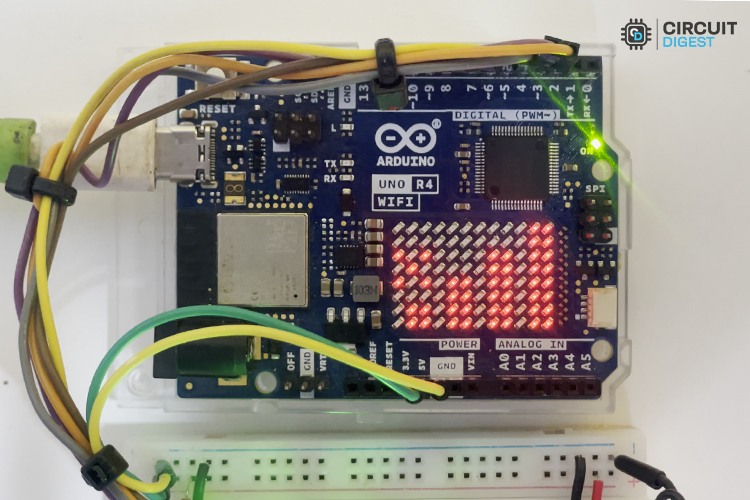
Projets similaires de détection d’incendie et de fumée
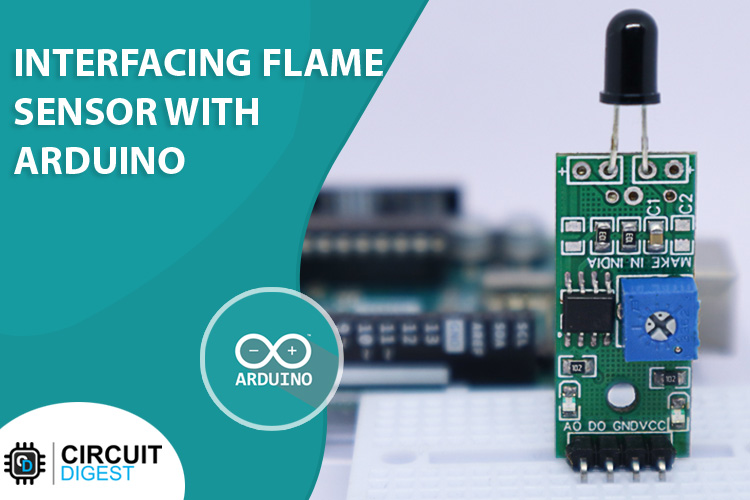
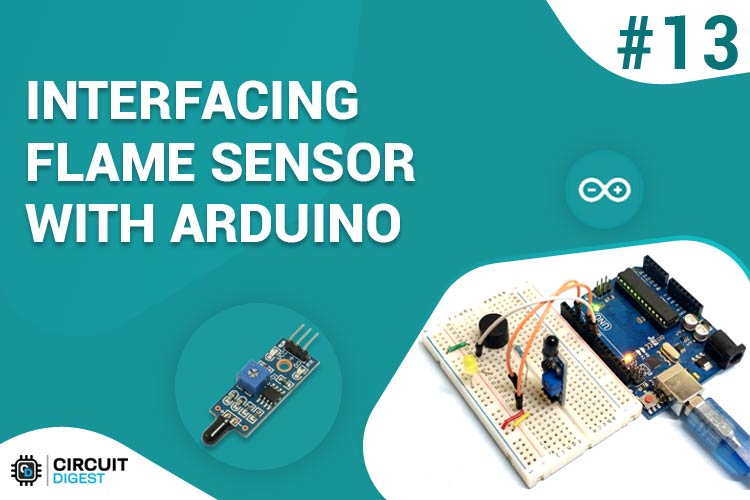
Interfaçage du capteur de flamme avec Arduino
Apprenez à interfacer un capteur de flamme avec Arduino pour construire un système d’alarme incendie simple qui détecte le feu à l’aide de la lumière infrarouge et active une alerte à travers un buzzer et une LED.
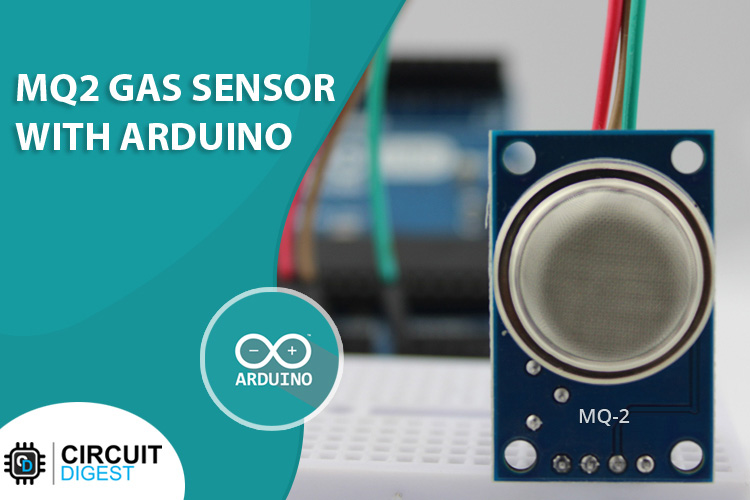
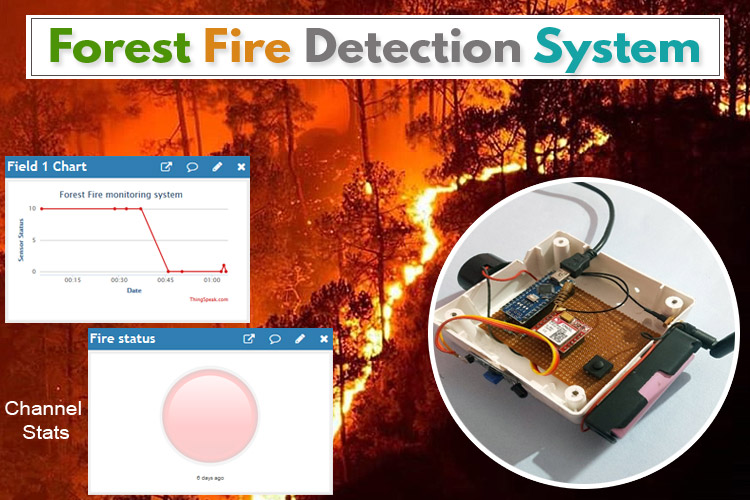
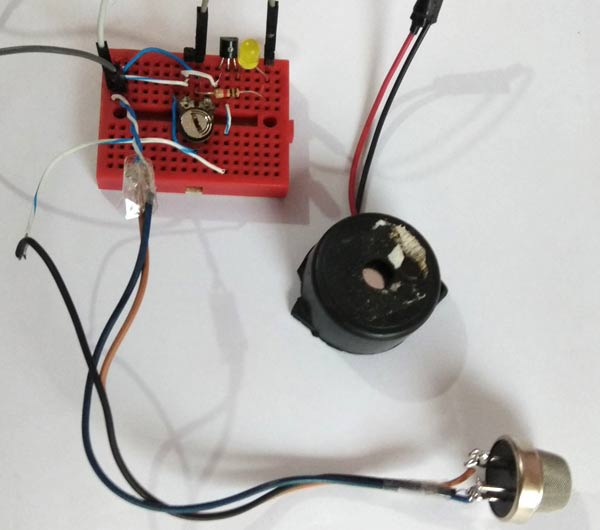
Circuit d’alarme de détecteur de fumée simple
Explorez un circuit d’alarme de détecteur de fumée simple à l’aide d’un capteur de gaz TGS 813 qui déclenche un buzzer lorsque la fumée est détectée, idéale pour les applications de base de sécurité incendie.
Retrouvez l’histoire de Raspberry Pi dans cette vidéo :

-
 Détecteur de Fumée WiFi Intelligent avec Batterie au Remplaçable, Notification d'App, Fonction silencieuse et Auto-Test, EN14604, Alarme 85 dB, Alarme Incendie WiFi Compatible avec Tuya/Smart Life APP
 -
 X-Sense Détecteur de Fumée Connecté Wi-FI, Lot de 3 | Pile Remplaçable, Notifications via l’Application et Conformité à la Norme EN 14604